

Documentation Index
Fetch the complete documentation index at: https://user-guide.fabric.so/llms.txt
Use this file to discover all available pages before exploring further.
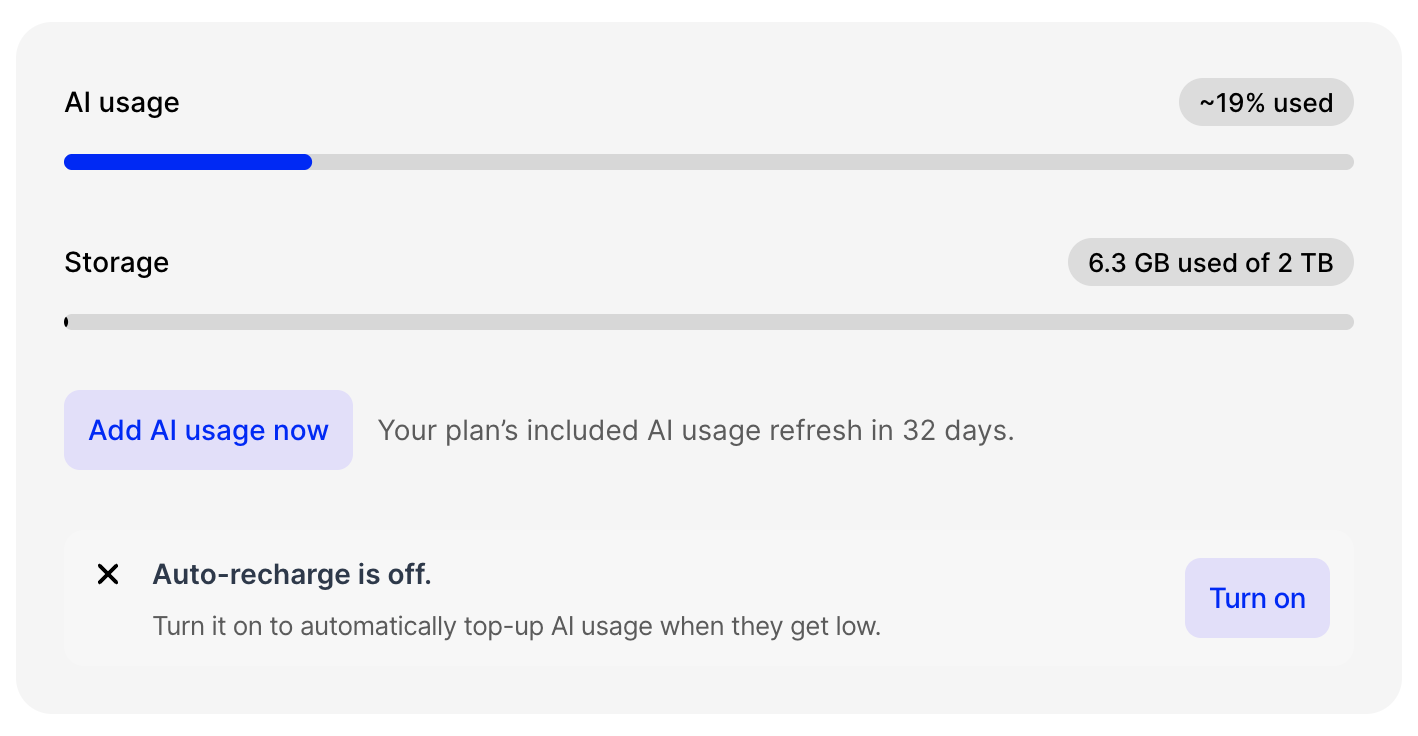
What uses AI in Fabric?
When you use Fabric, certain actions require AI processing, analysis, or response. The more tokens, the more AI usage consumed. Chatting with the AI Assistant is the most obvious example, but creating a new file/note also uses some AI to understand the content, make it searchable and more. The size and type of an Assistant query also directly affects the amount of AI used:- If it’s a long document or media file.
- If the query requires the Assistant fetching and analyzing lots of files/items.
- If the query requires the Assistant to make many tool calls (e.g. multiple web searches).
- If the query requires reasoning.
- Automatic renaming
- Performing a search
- Generating tag and location suggestions
It’s also noteworthy that different models do consume more or less AI usage than others. You can see a comparison of this on the Choosing a model page