

Documentation Index
Fetch the complete documentation index at: https://user-guide.fabric.so/llms.txt
Use this file to discover all available pages before exploring further.
Back-up and sync your important data, access it from anywhere
- Cross-device access. Start on your laptop, continue on your phone, finish on your tablet. Your files follow you.
- Connect external data sources (Google Drive, a folder on your computer), and they will have 2-way sync. Any changes you make update in all locations. Keep your important files backed up without cluttering your Fabric cloud.
- Automatically back up photos, documents, and files from your phone or tablet.
- Access your complete workspace whether you’re at home, in the office, or on the go.
How do I use it?
- Go to
Connectionsand choose to connect a data source likeGoogle Drive, orLocal folder sync. - For
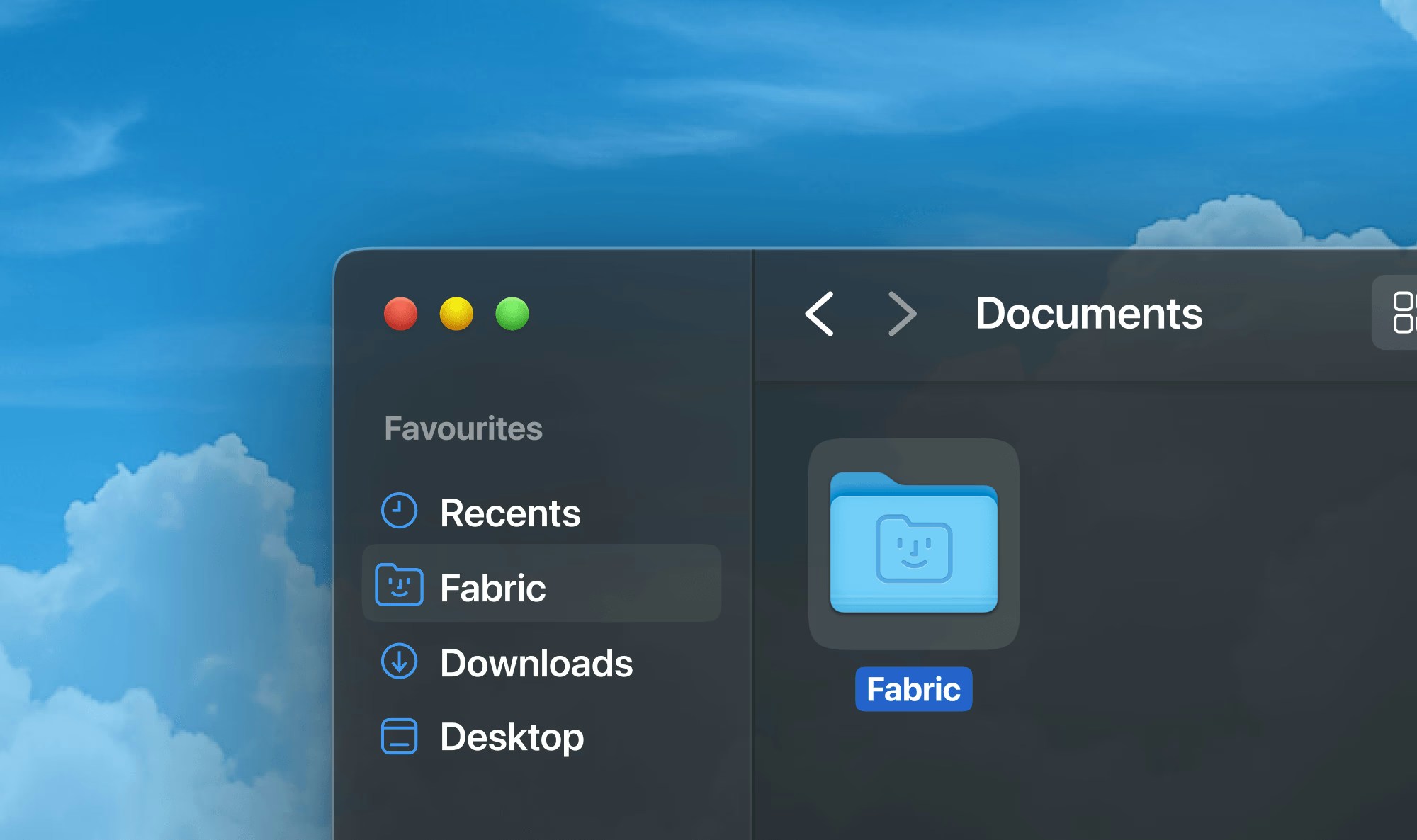
Local folder sync, you need to install it from the desktop app. This will create a folder on your computer calledFabric, located inside your User folder on the computer (the same level as Downloads, Desktop etc. usually are). Anything you add or remove from this folder (inside Fabric or on your computer) will be reflected in Fabric and on your computer.
More than just search
Backed-up content is fully available to you in Fabric:- Move, copy, delete, share – whatever you can do in Fabric, you can do with content synced from these sources.
- Fabric Assistant understands your files and you can ask it questions or to make changes to them.
- Everything can be found with Smart Search – just describe that you are looking for, or search by color, and much more.