

Documentation Index
Fetch the complete documentation index at: https://user-guide.fabric.so/llms.txt
Use this file to discover all available pages before exploring further.
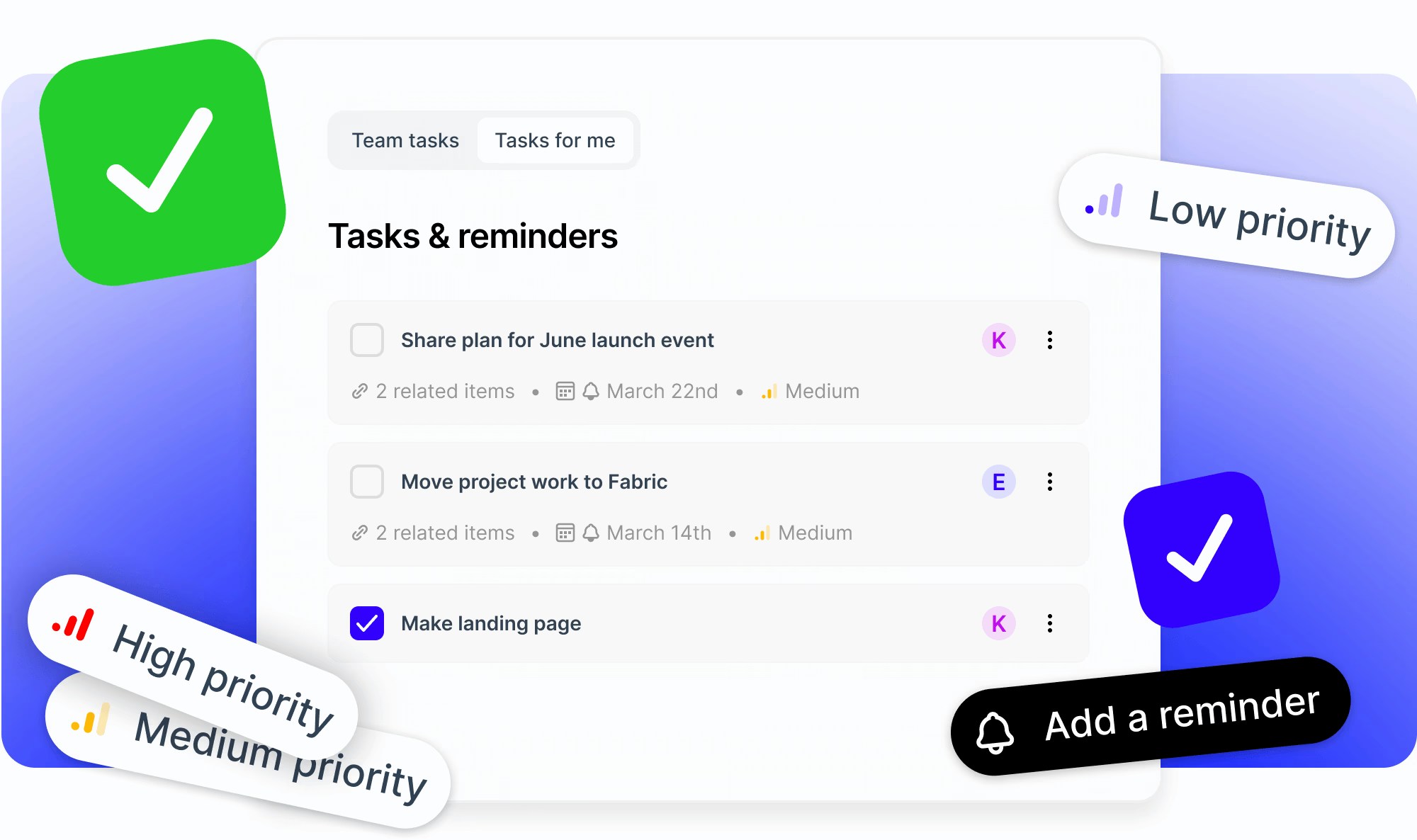
What are tasks?
- Fabric lets you create tasks in a dedicated view inside the Fabric app.
- You can connect relevant files and folders, to maintain important context.
- You can also set due dates, reminders, priorities, assignees and more.
How to make a task
- Simply go to the dedicated Tasks view, and click
Create task. - You can then write a title and click (or press
Enter) to submit it. - Task created! Just click the checkbox to mark it complete.
Set a due date and reminder
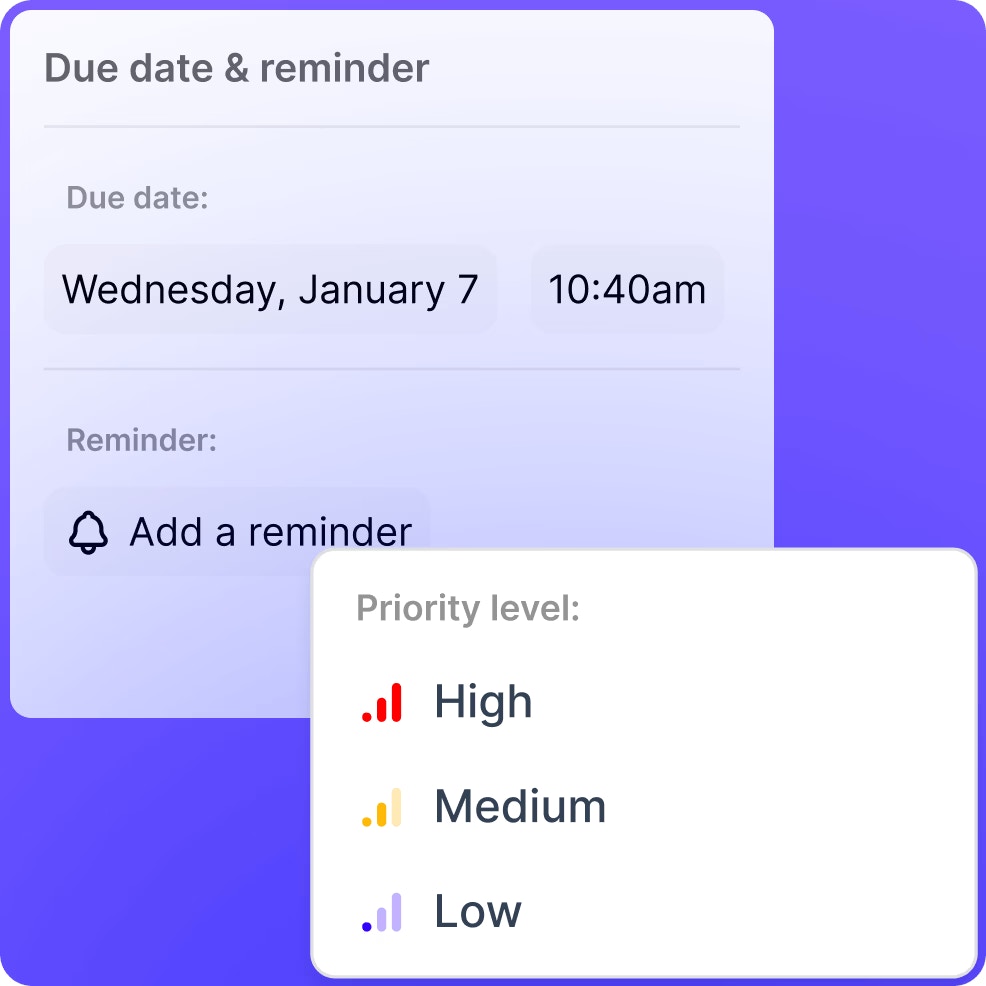
- For each task, you can set a due date and time.
- You can also set a reminder, which is relative to the due date (for example, 10 minutes before).
- Reminders can be delivered to you via your account’s email address, or in-app notification.

Add related item(s)
- You can attach files, folders and spaces from within your Fabric workspace to a task by clicking
Add related items. - You can pick from some recent files and spaces, or search for something specific.
- Attaching items to a task makes it easier to hop to any related content, helping you group content with the task at hand.

Set an assignee (team workspaces only)
- In team workspaces, you can assign task ownership to anyone else in the workspace.
- They’ll become the recipient for any reminders, and will see the task if they click
My tasks.

Set priority level
- You can set the priority level of a task, with the options of
High,Medium, andLow. - With a priority level set, the task will show when the task screen is filtered by that priority.
Filtering and sorting tasks
You can filter tasks by:- Status (whether they are marked done or not).
- Priority level (low, medium or high).
- Whether they are hidden or not.
- Created date
- Due date
- Priority
- Title
- Modified date