

Documentation Index
Fetch the complete documentation index at: https://user-guide.fabric.so/llms.txt
Use this file to discover all available pages before exploring further.
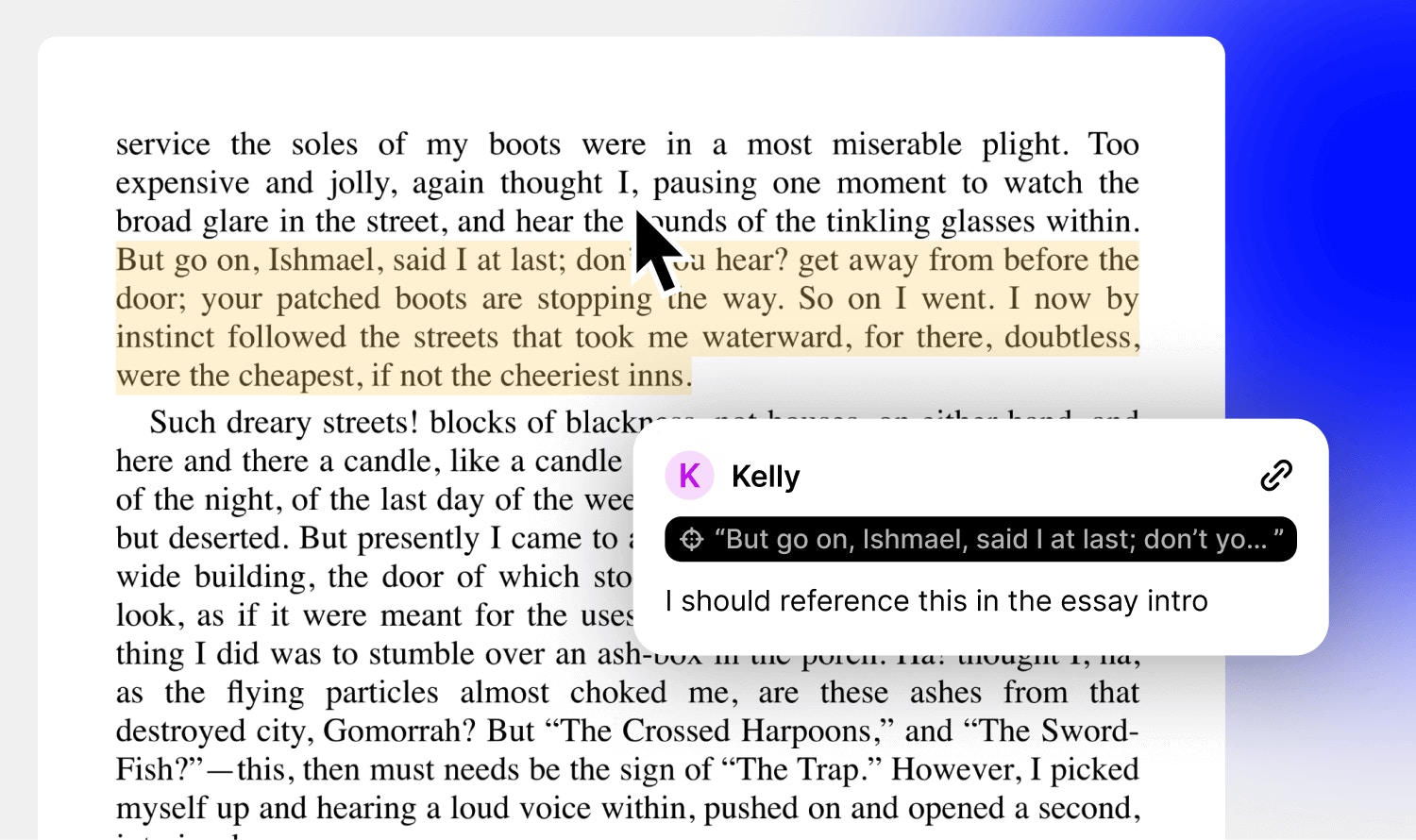
Comment, mention and leave feedback
- Highlight any text and click the yellow highlight icon to create an annotation referencing that text highlight. You can optionally choose to add some text, creating a comment.
- Clicking the location icon on the annotation (in the comment panel) will auto-scroll the text editor to that location.
- You can also @mention a teammate or collaborator, and they’ll receive a notification.