Documentation Index
Fetch the complete documentation index at: https://user-guide.fabric.so/llms.txt
Use this file to discover all available pages before exploring further.
Exports overview
You can export your entire workspace or a single folder — the folder structure is preserved as-is in the export. A few things get converted on the way out.- Notepads become HTML files, with any attached images or files placed in a companion folder named after the notepad with an assets suffix.
- Bookmarks get consolidated into a single Bookmarks.html file, and Highlights similarly into a Highlights.html file.
- Everything else (files, etc.) exports as-is with no conversion.
How to export a folder or space
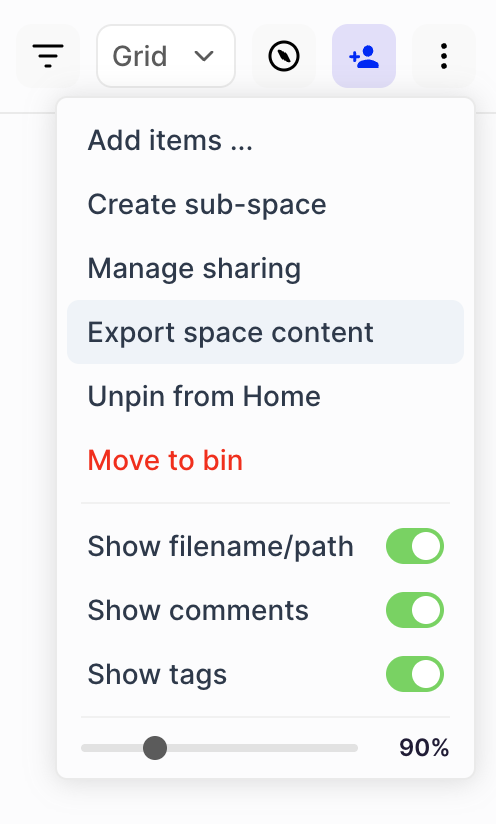
Inside any folder, simply click the⋮ (3 dots) button and choose Export space content (or Export folder content). You’ll receive a download link via email.
How to export your entire workspace
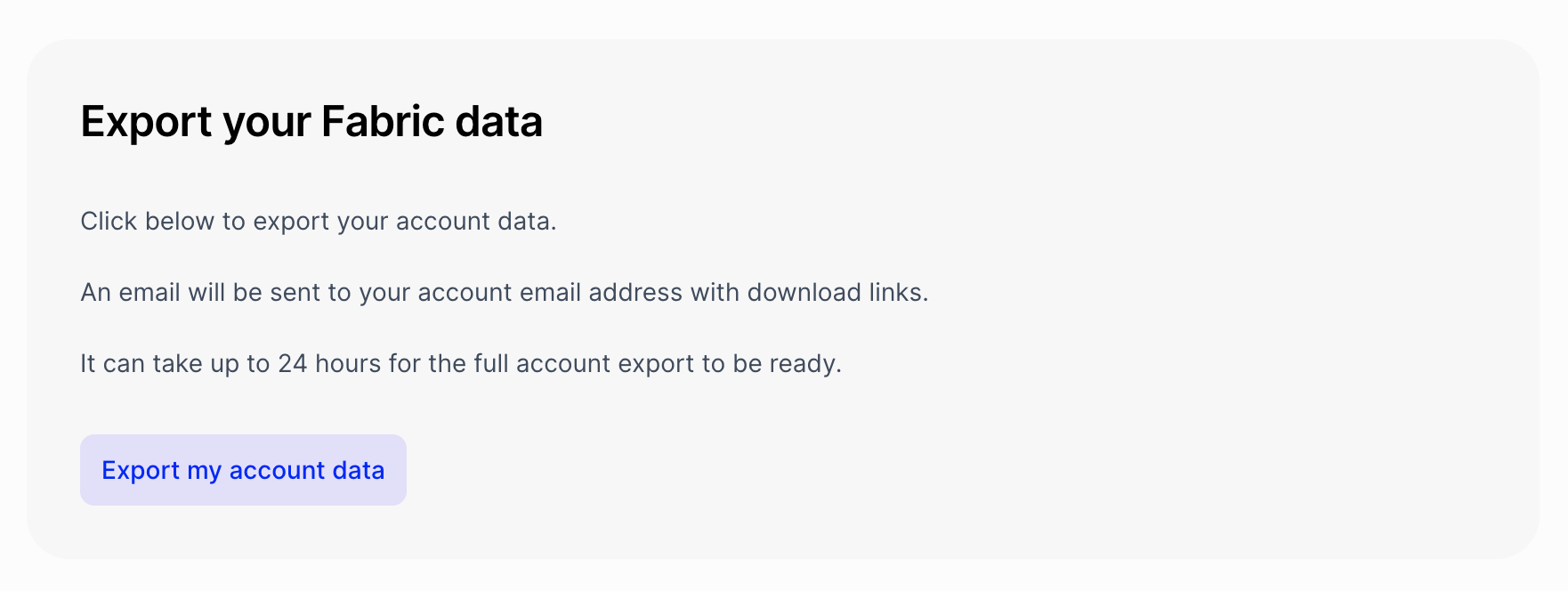
You can export your entire workspace from insideSettings > Export from Fabric. Simply click Export my account data. You’ll receive a download link via email.