

Documentation Index
Fetch the complete documentation index at: https://user-guide.fabric.so/llms.txt
Use this file to discover all available pages before exploring further.
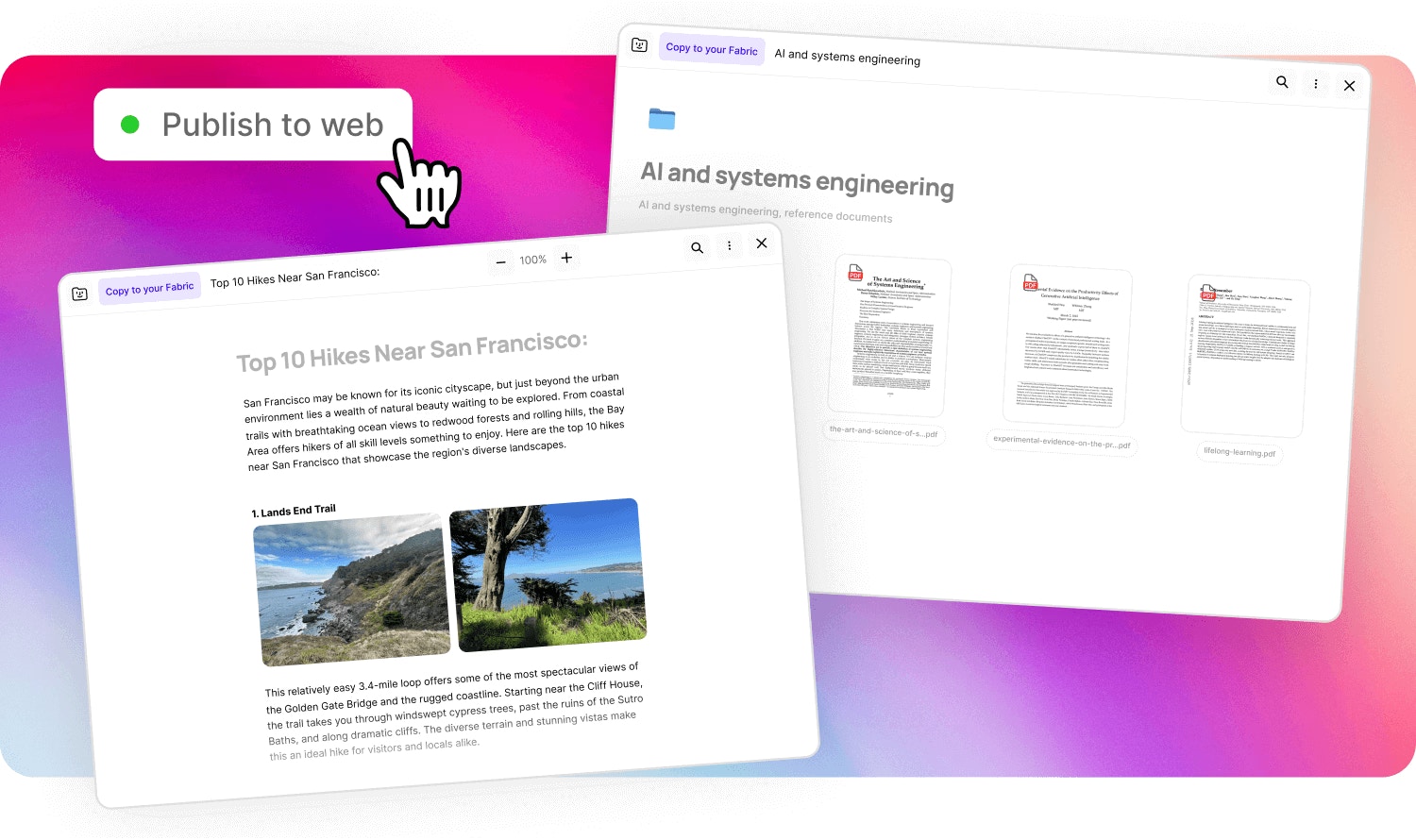
Publish a file or note
The fastest and easiest way to host and share your work on the web. Just click to turn on publishing, and your content is optimised for search engines (if you want it to be). Visitors will only be able to see the specific piece of content you’ve published, nothing else. And you can unpublish your content at any time..avif?fit=max&auto=format&n=Gy5pcrRre88swvFV&q=85&s=6827c8af0f4c76e01169a1f643d8c46b)
Publish a space/folder
You can publish an entire folder or space with Fabric. Visitors can explore the content with built-in search, AI assistant, and download any of the contents (if you turn that on). All content within the published folder/space will be accessible to visitors.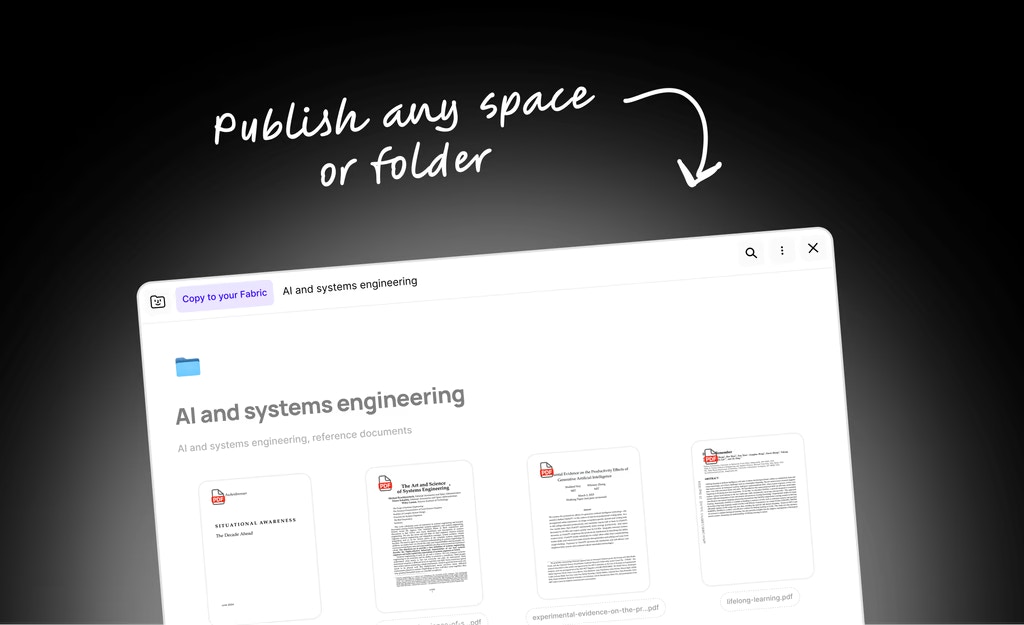
How to publish
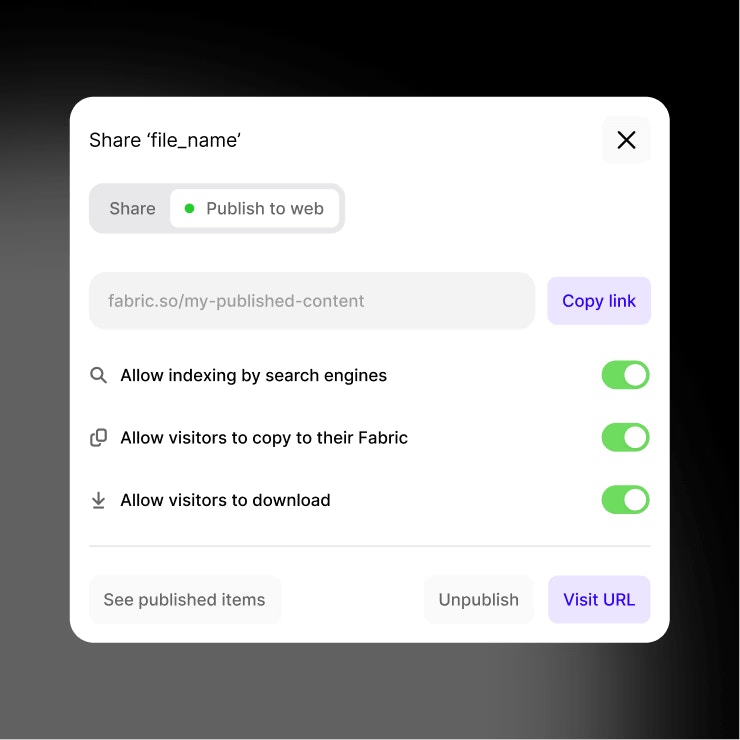
- Just click
Shareand turn onPublishingto make your content available to a wider audience. - You can optionally choose to turn on
Search engine indexing, and your content will be discoverable and indexed by Google and other search engines. - You can also choose options such as whether visitors can download the content, or whether they can clone it to their own Fabric workspaces.
How to unpublish
Simply open the share menu for the published content, and clickUnpublish. The content will be inaccessible publicly.