Documentation Index
Fetch the complete documentation index at: https://user-guide.fabric.so/llms.txt
Use this file to discover all available pages before exploring further.
What is kanban view?
Kanban view is a view mode available in any space or folder. It offers a set of nameable columns to organize your thoughts, categorize, track progress and more. You can:- Re-arrange the cards within a column.
- Reorder the columns.
- Rename a column.
- Add content directly to any column.
How do I access kanban view?
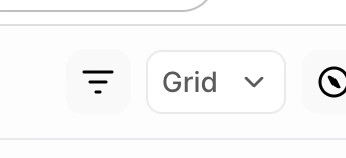
You can see kanban view inside any space by clicking on the view control (which is usually set to “Grid” by default), and choosing “Kanban” instead. The control looks like this: